
Messaging
Your team’s chat champion.
Turn every keystroke into progress—efficient, organised chat keeps your team aligned and working smarter together.
Your team’s chat champion.
Turn every keystroke into progress—efficient, organised chat keeps your team aligned and working smarter together.
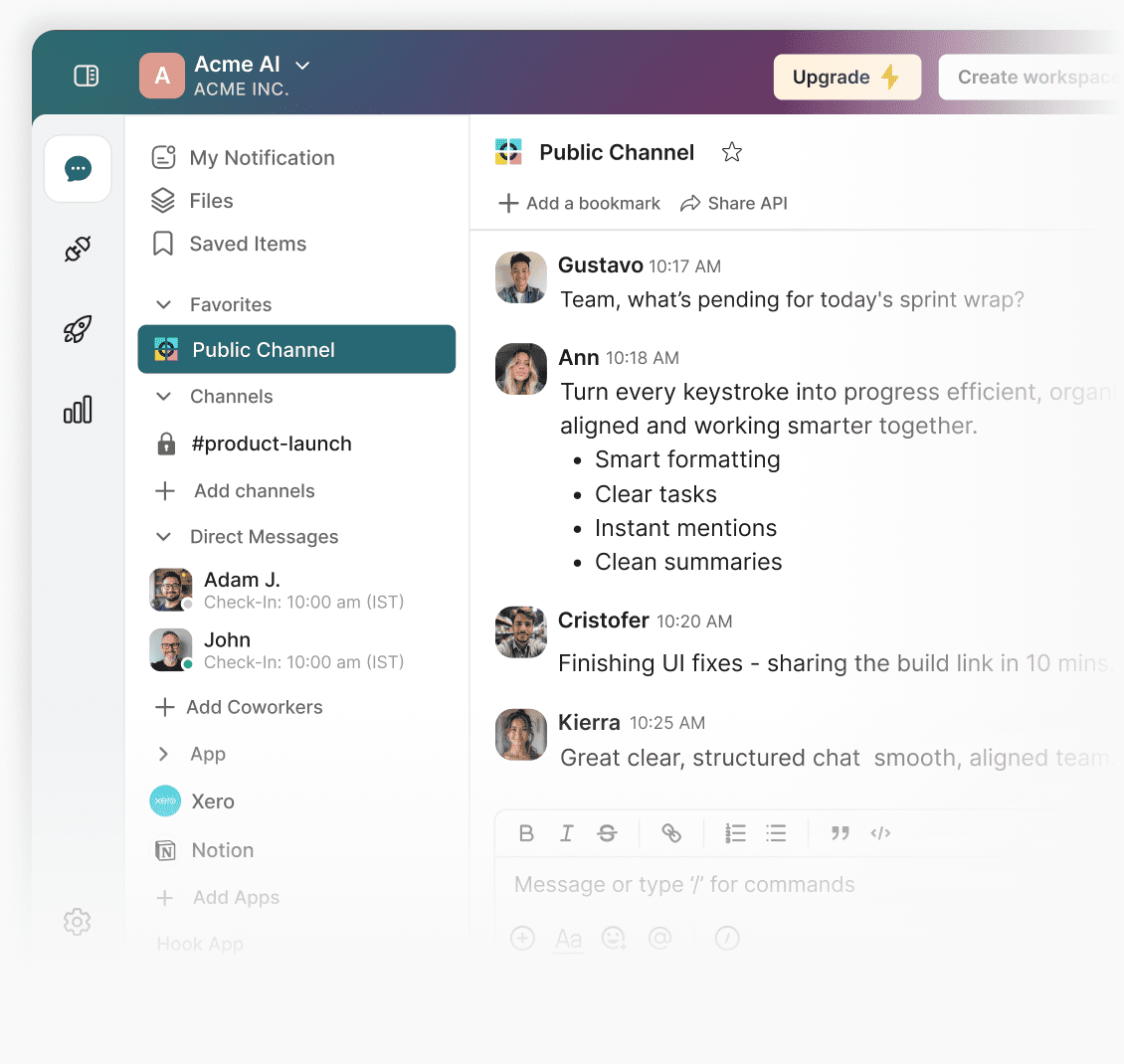
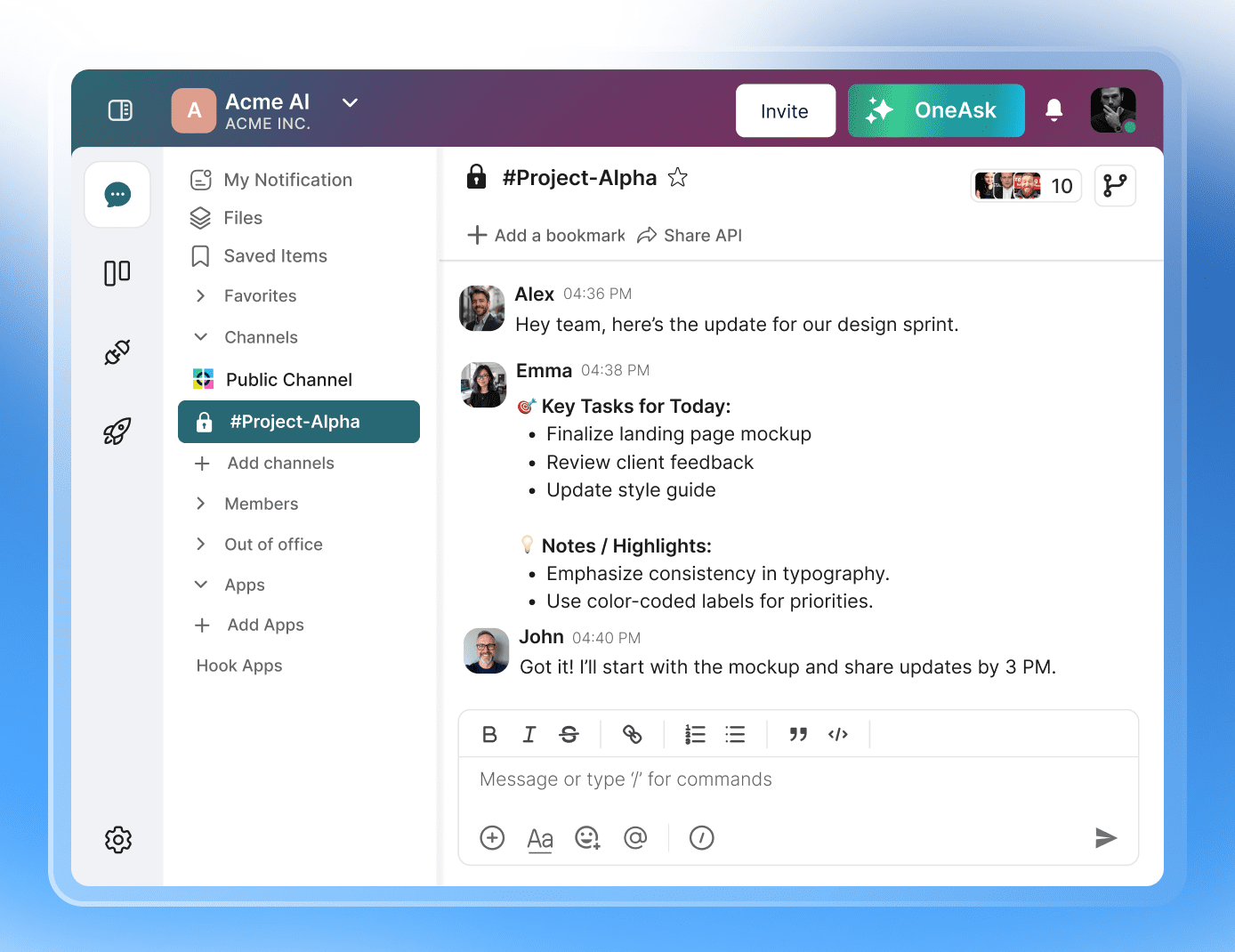
Craft clearer conversations with rich text. Format ideas, highlight action points, and add structure to your messages so every update lands with purpose — no clutter, just clarity.
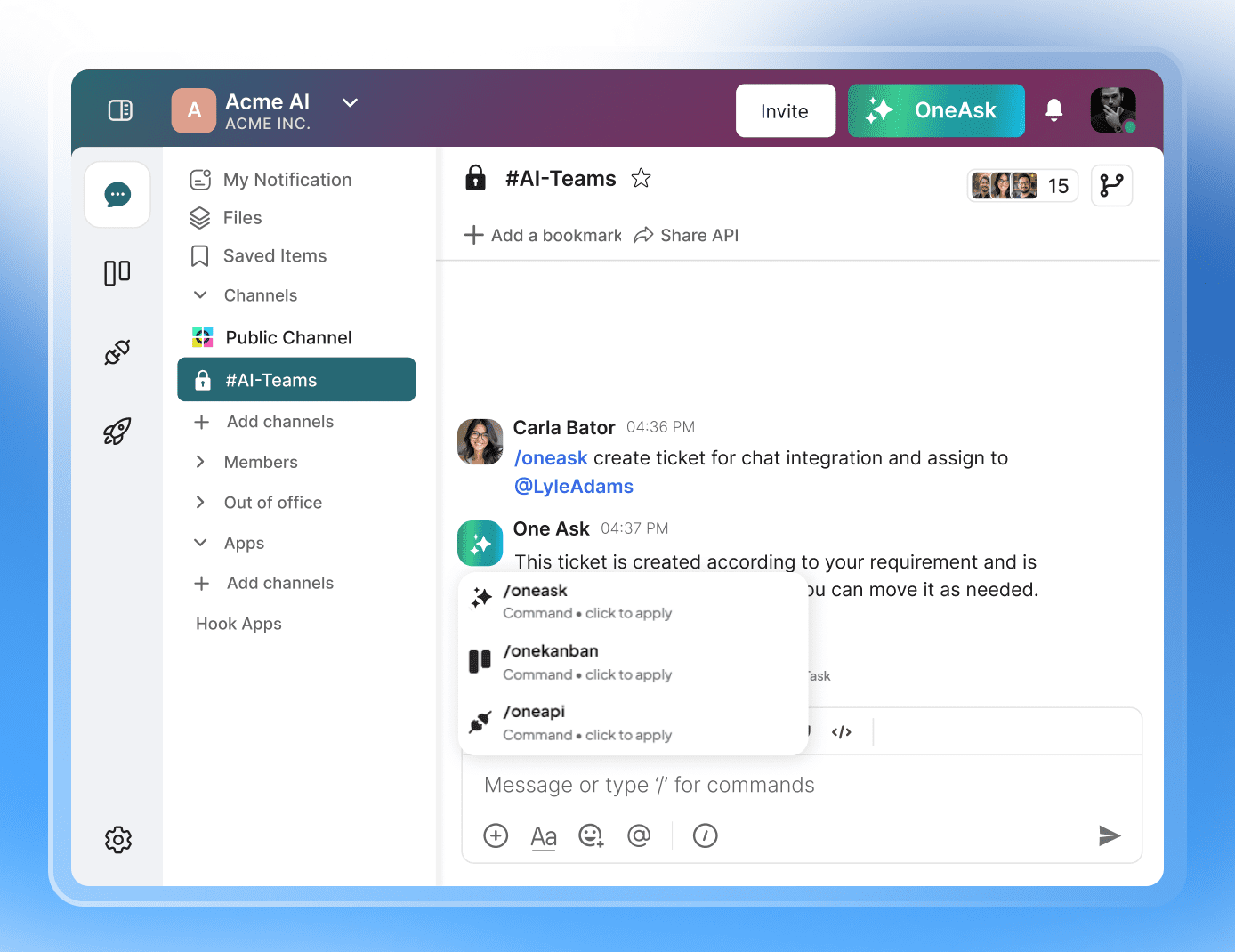
Send messages at lightspeed with built-in command shortcuts. Switch channels, trigger actions, and navigate your workspace through crisp command-line controls that keep your workflow gliding.
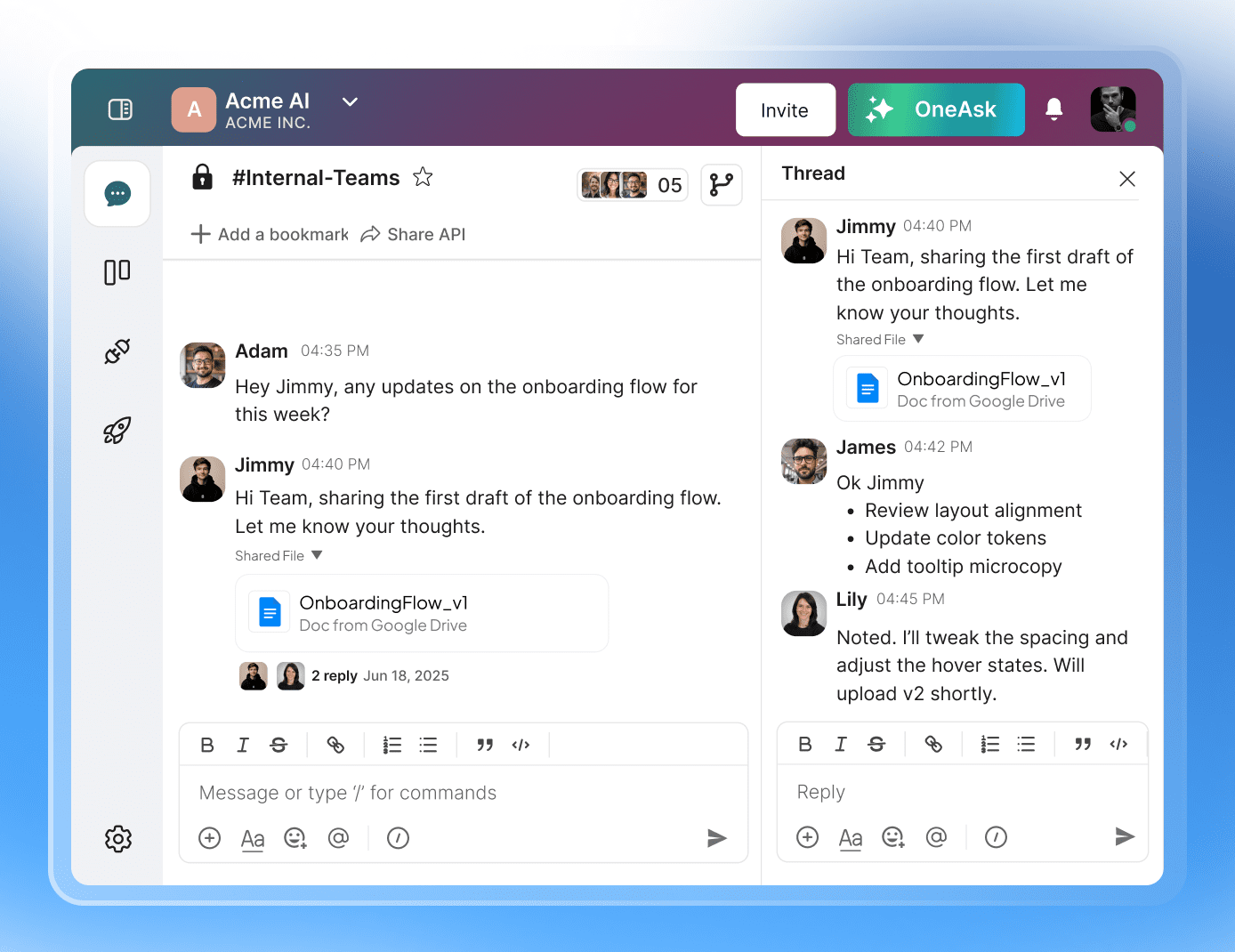
Reply in threads to maintain tidy, trackable discussions. Every topic stays anchored in its own little constellation, making it effortless to follow updates, decisions, and next steps without the usual message sprawl.


Frequently asked questions
Onetab AI Team Chat offers convenient commands like /kanban, /report, /A/B testing, and /slack. These commands help teams quickly access essential documents without lengthy messages. Users can retrieve necessary files or updates by simply typing a command, streamlining communication and saving time searching through chats.
Onetab AI Team Chat enhances communication with real-time monitoring features, allowing team members to stay updated instantly. Additionally, it offers bookmarking options for links, enabling teams to quickly reference important resources and fostering effective collaboration and information sharing.
Team chat is used for various purposes, such as facilitating instant communication among team members, sharing important updates quickly, and collaborating on projects in real-time. It enhances productivity by providing a centralized platform for discussions and information sharing.
You cannot customize the commands section in Onetab AI Team Chat. However, you can generate a ticket from Kanban and add it to the new create command by selecting /onecreate in the application. You can even do the vice-versa; you can create a new lane on your Kanban board and get started with it.
Onetab AI Team Chat significantly improves collaboration and performance by saving time searching for important documents. It helps users locate essential files quickly, preventing critical information from getting lost in chat history and enabling more efficient teamwork.
Revamp your workflow with Onetab AI