
Channels
Work seamlessly in every channel.
Bring the right people and information together, stay aligned on any topic, and move forward with shared knowledge – now powered by AI at every step.
Work seamlessly in every channel.
Bring the right people and information together, stay aligned on any topic, and move forward with shared knowledge – now powered by AI at every step.
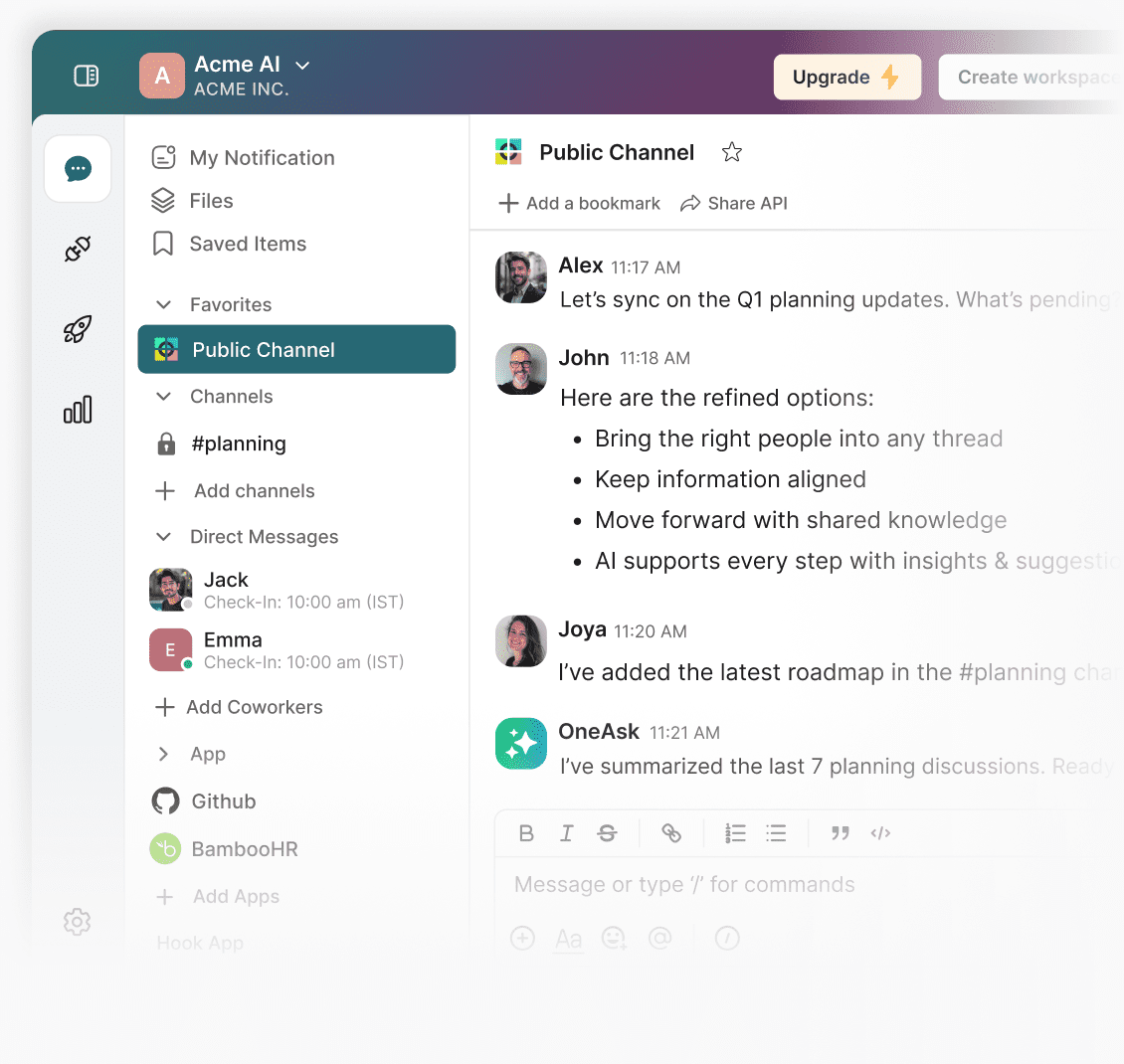
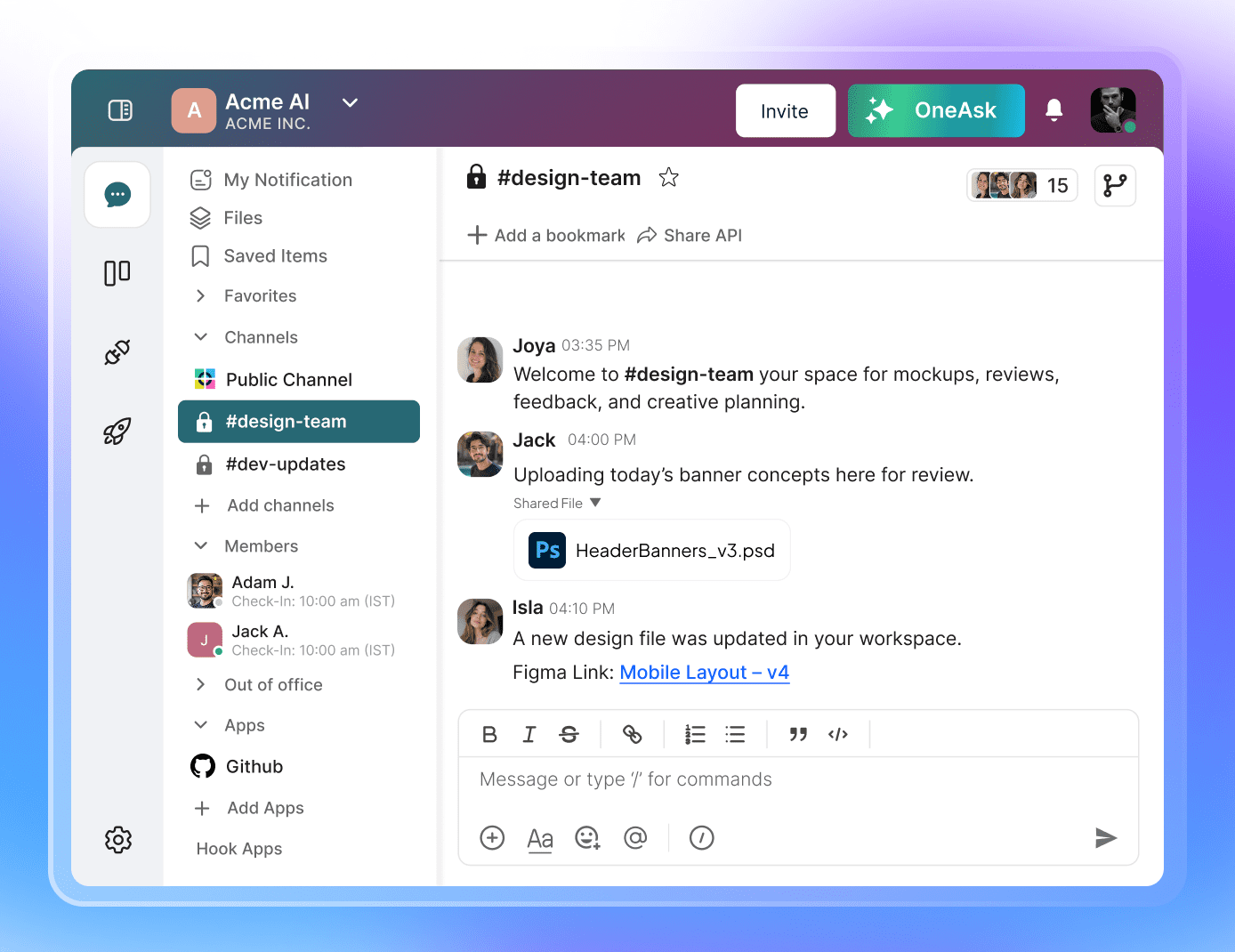
Bring every team, topic, and tool into its own space. Create multiple channels, send private messages when needed, and plug in your favourite third-party apps for a workflow that hums instead of stumbles.
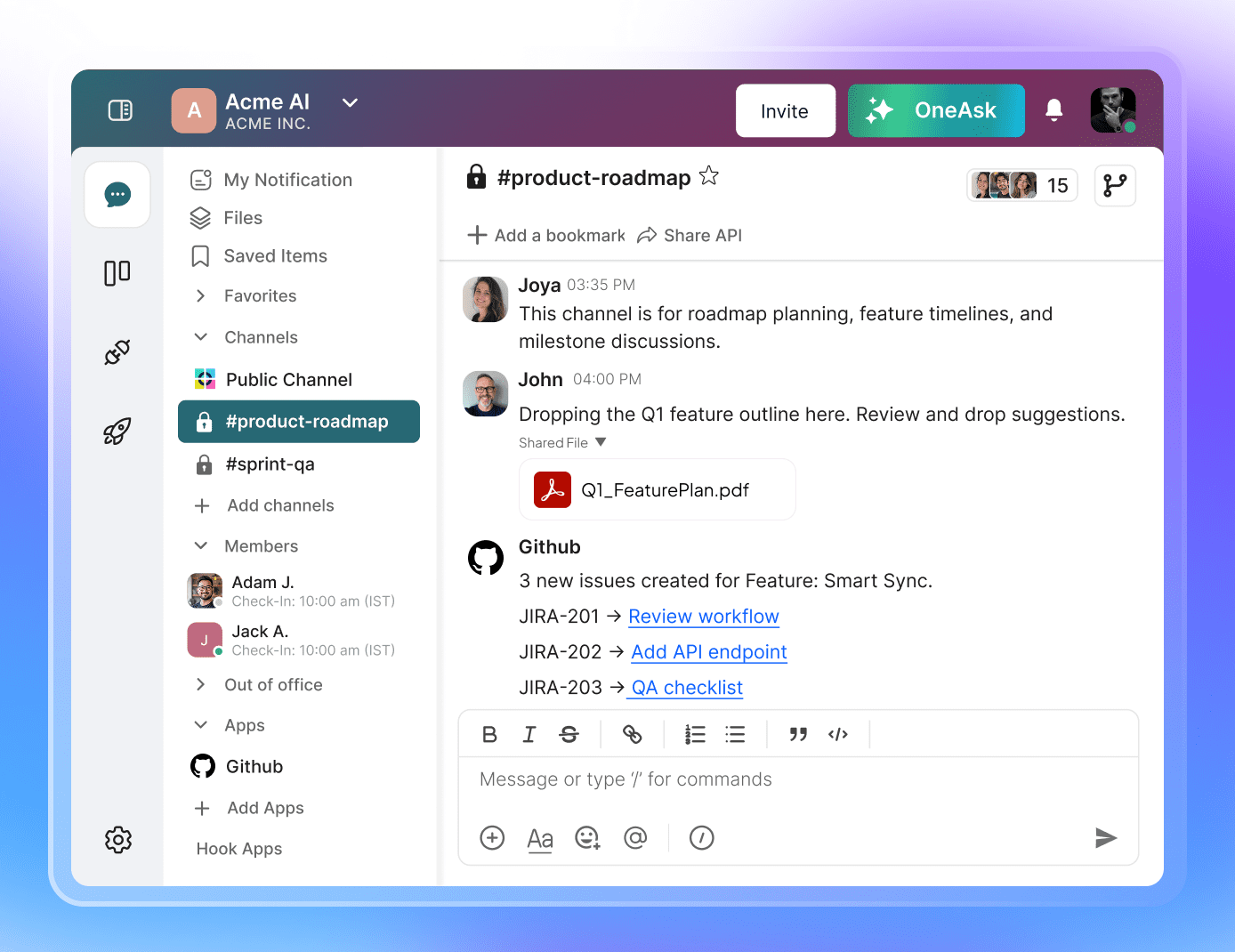
Set up focused channels, keep side chats private, and link your essential apps—or even build your own hooks. Everything you need gathers itself neatly in one digital courtyard.
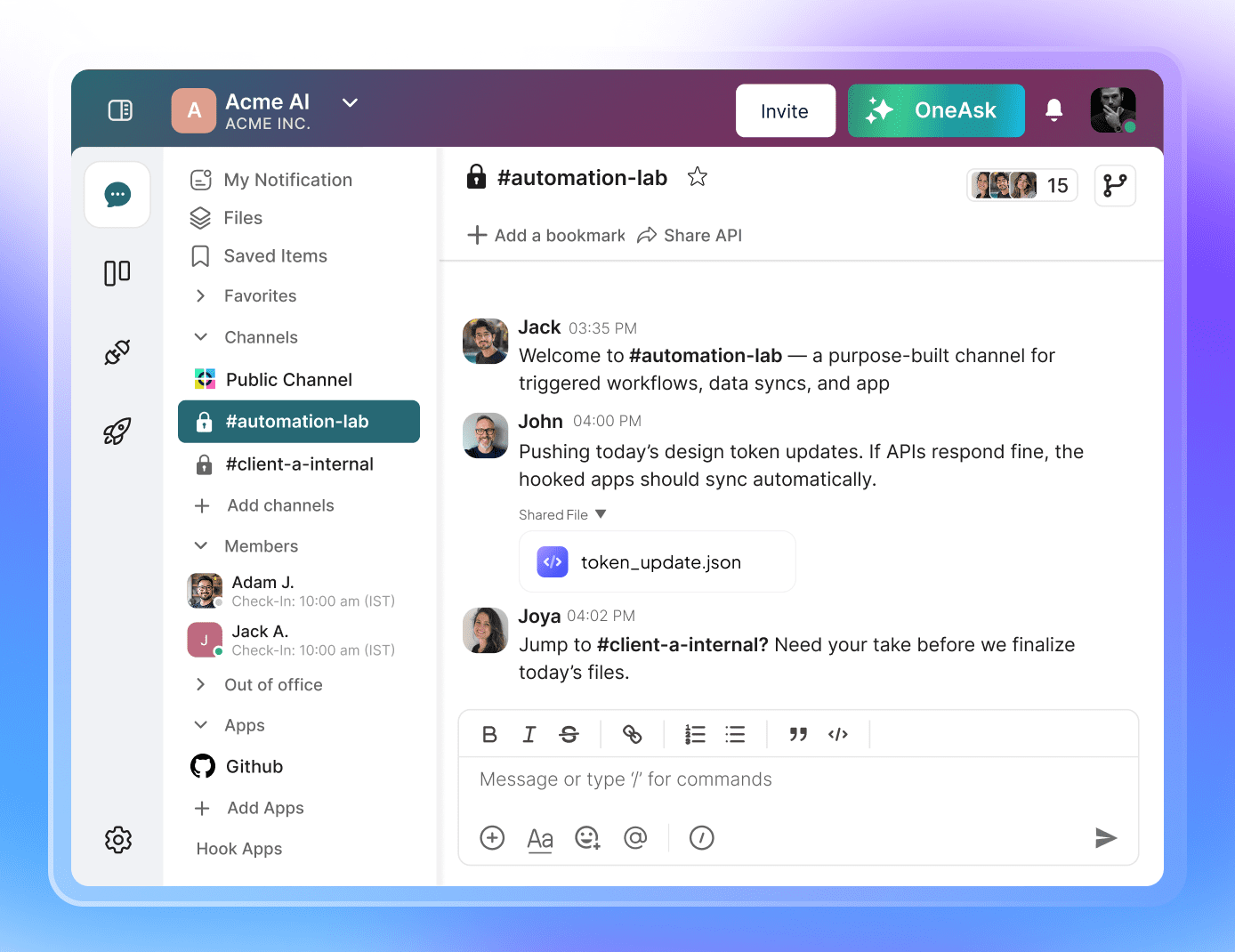
Open, private, or purpose-built—shape channels the way your work moves. Add integrations and hooked apps to transform simple chat into a fully wired collaboration hub.
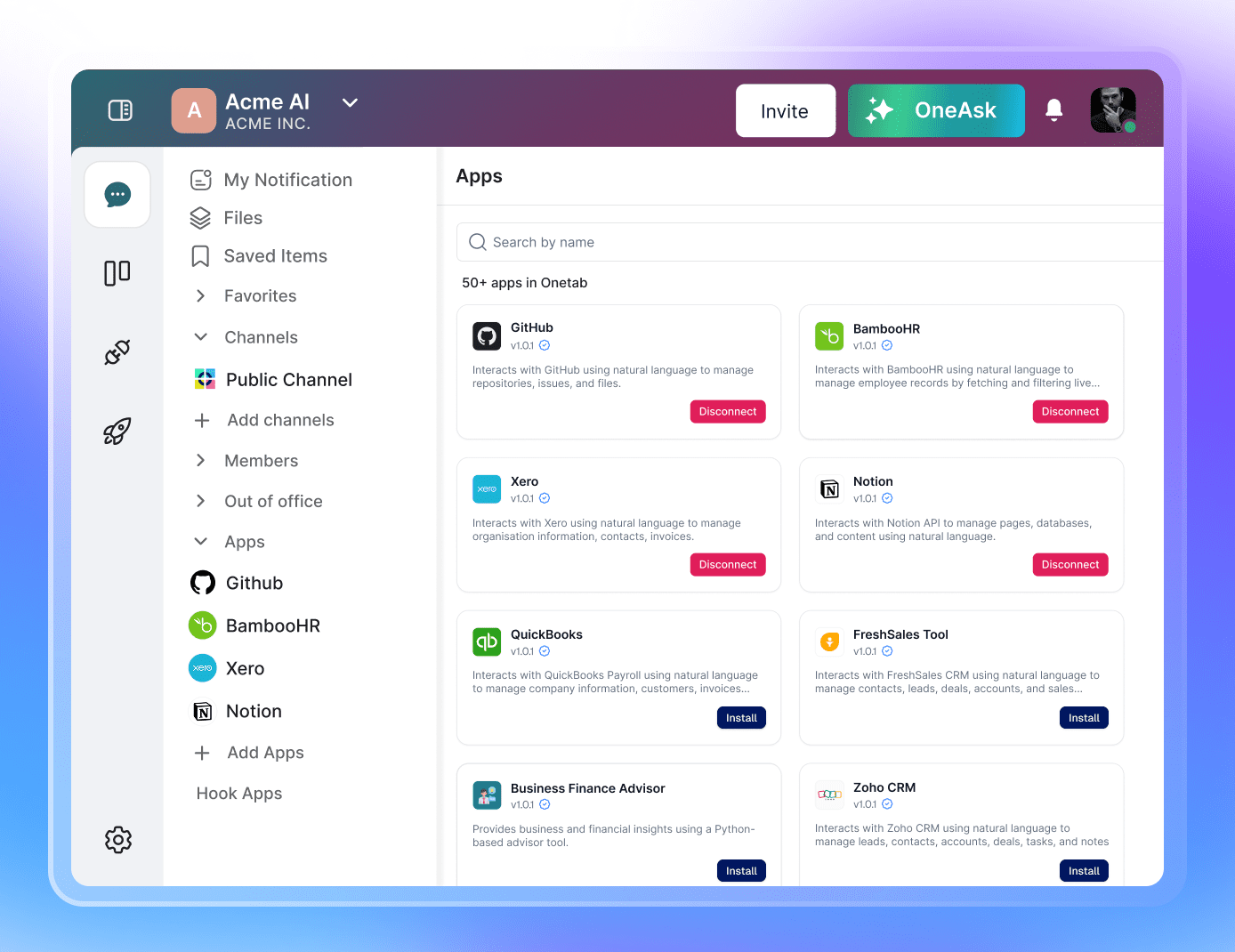
Multiple channels for structure, private messages for clarity, and third-party integrations for power. The whole system behaves like a well-trained constellation—each piece glowing in the right place.


Frequently asked questions
Onetab AI Team Chat offers convenient commands like /kanban, /report, /A/B testing, and /slack. These commands help teams quickly access essential documents without lengthy messages. Users can retrieve necessary files or updates by simply typing a command, streamlining communication and saving time searching through chats.
Onetab AI Team Chat enhances communication with real-time monitoring features, allowing team members to stay updated instantly. Additionally, it offers bookmarking options for links, enabling teams to quickly reference important resources and fostering effective collaboration and information sharing.
Team chat is used for various purposes, such as facilitating instant communication among team members, sharing important updates quickly, and collaborating on projects in real-time. It enhances productivity by providing a centralized platform for discussions and information sharing.
You cannot customize the commands section in Onetab AI Team Chat. However, you can generate a ticket from Kanban and add it to the new create command by selecting /onecreate in the application. You can even do the vice-versa; you can create a new lane on your Kanban board and get started with it.
Onetab AI Team Chat significantly improves collaboration and performance by saving time searching for important documents. It helps users locate essential files quickly, preventing critical information from getting lost in chat history and enabling more efficient teamwork.
Revamp your workflow with Onetab AI