
AI-powered automation — now with MCP support
Imagine it. Automate it. Beyond limits.
Simple enough to ship in hours, sophisticated enough to scale. Onetab AI
lets you automate business processes without limits on your logic.
Simple enough to ship in hours, sophisticated enough to scale. Onetab AI
lets you automate business processes without limits on your logic.
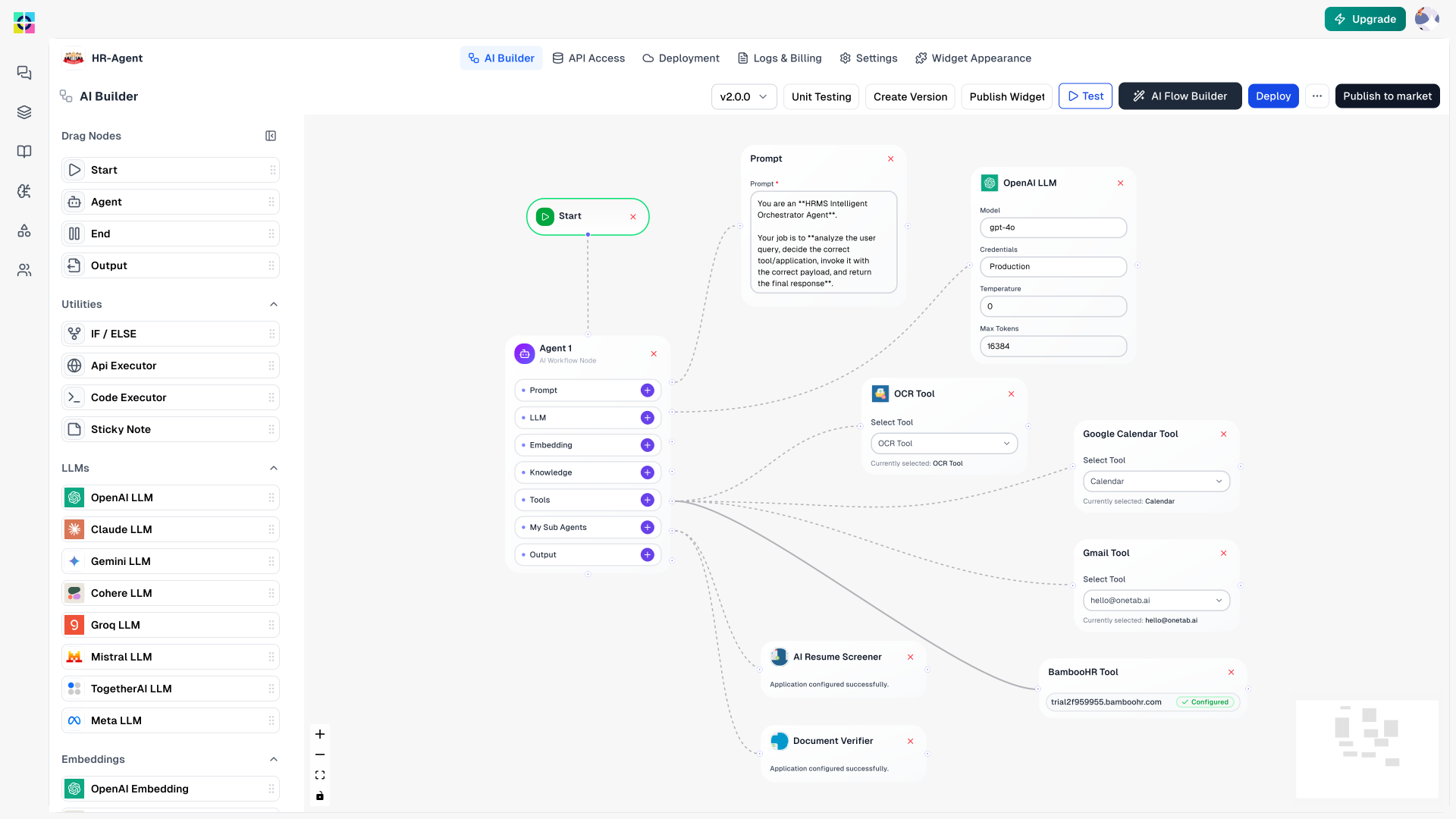
Visual building
Leading visual editor for fast iteration where you see results instantly. Build what you need with native nodes or custom code – perfect for both everyday automations and complex AI agent workflows.
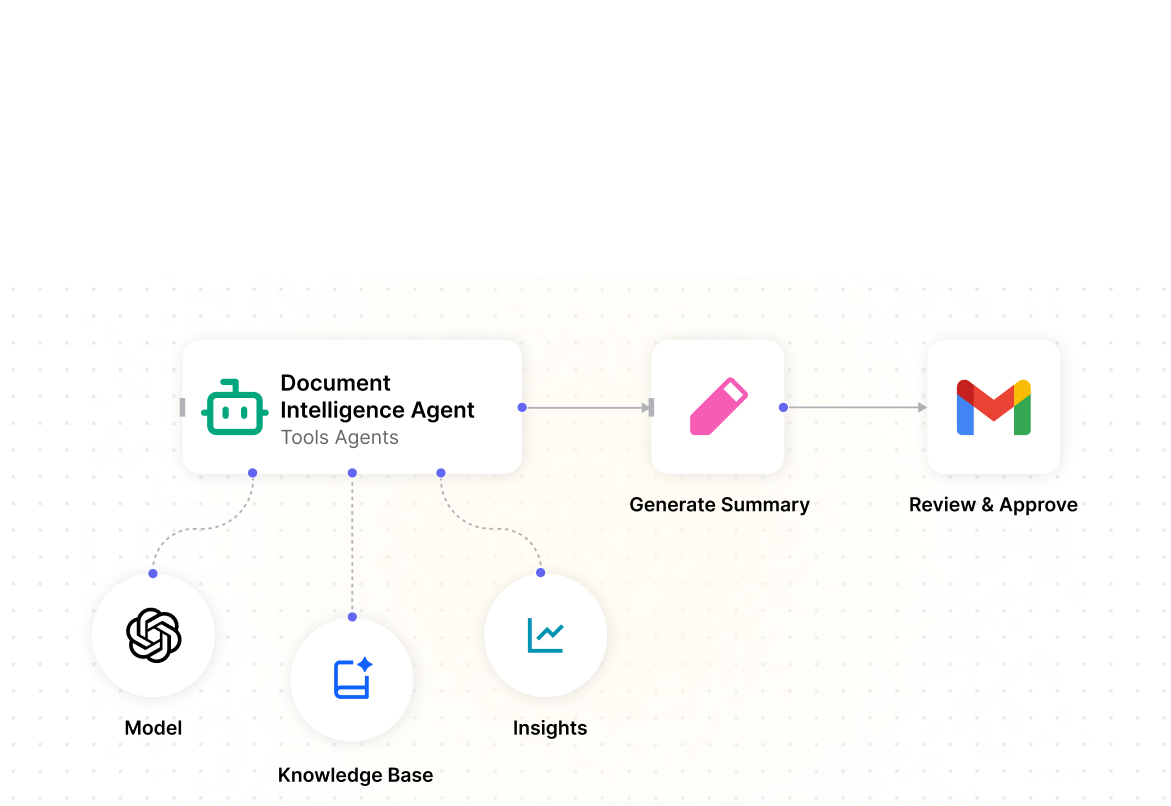
Summarize or answer questions to your documents. Prototype fast and deploy to staging or production using LangChain modular apps.
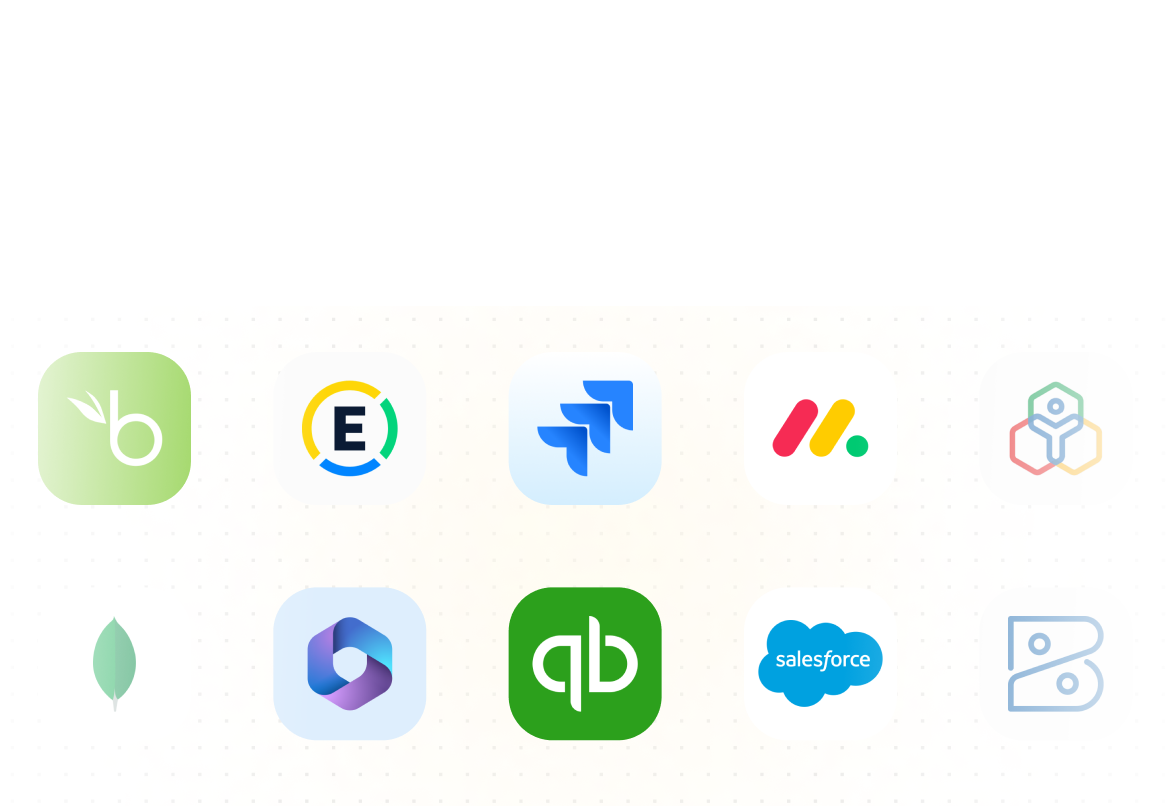
No boilerplate. Connect via pre-configured nodes or use HTTP requests for custom apps.
Execute just the last step, not the whole sequence. Replay data to spare yourself from slow workflow steps.
The interface won't limit you. Use the code node for JavaScript or Python transformations.
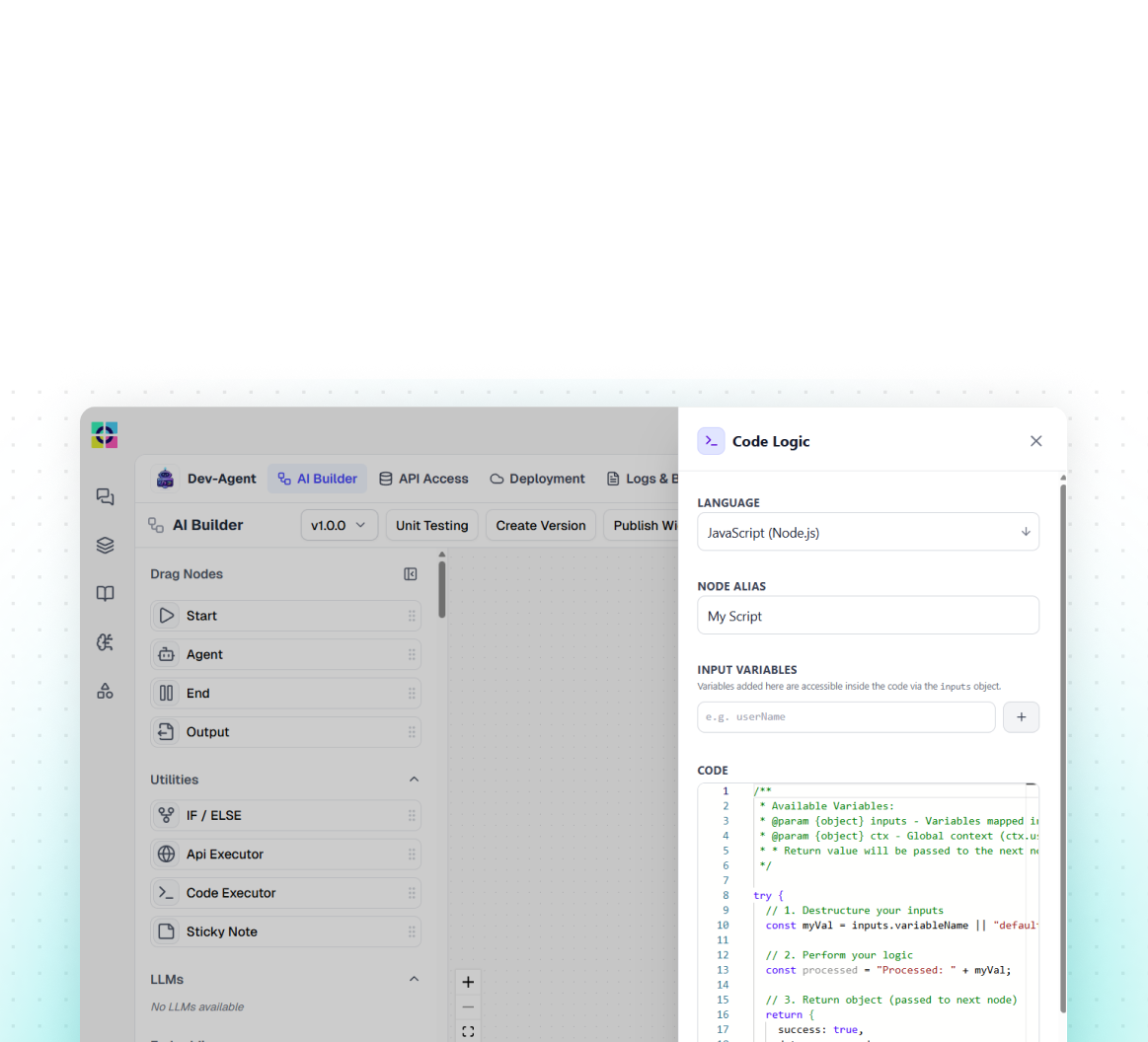
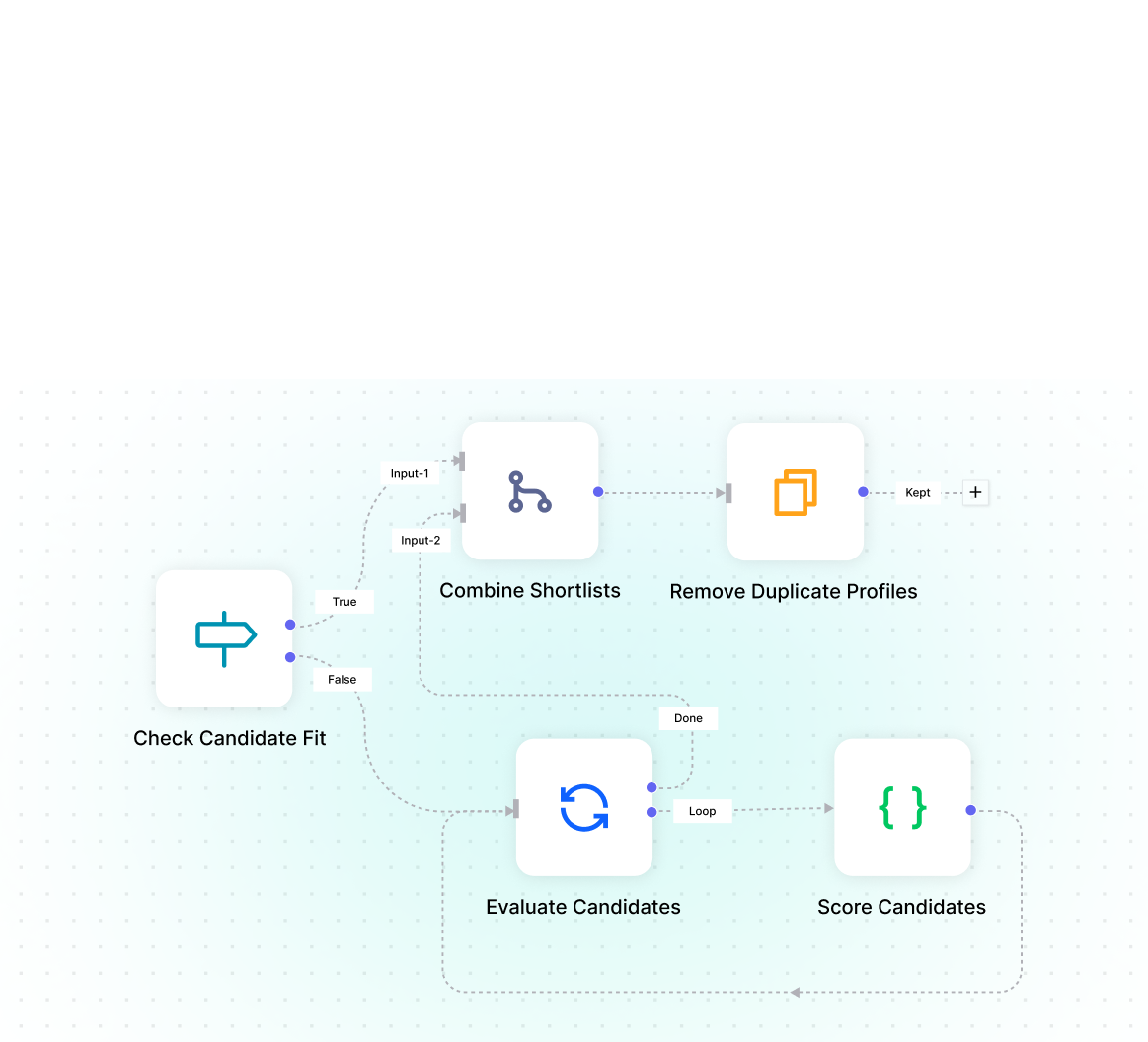
Route data with switches. Split lists into separate items or aggregate many into one.
Know exactly what happened
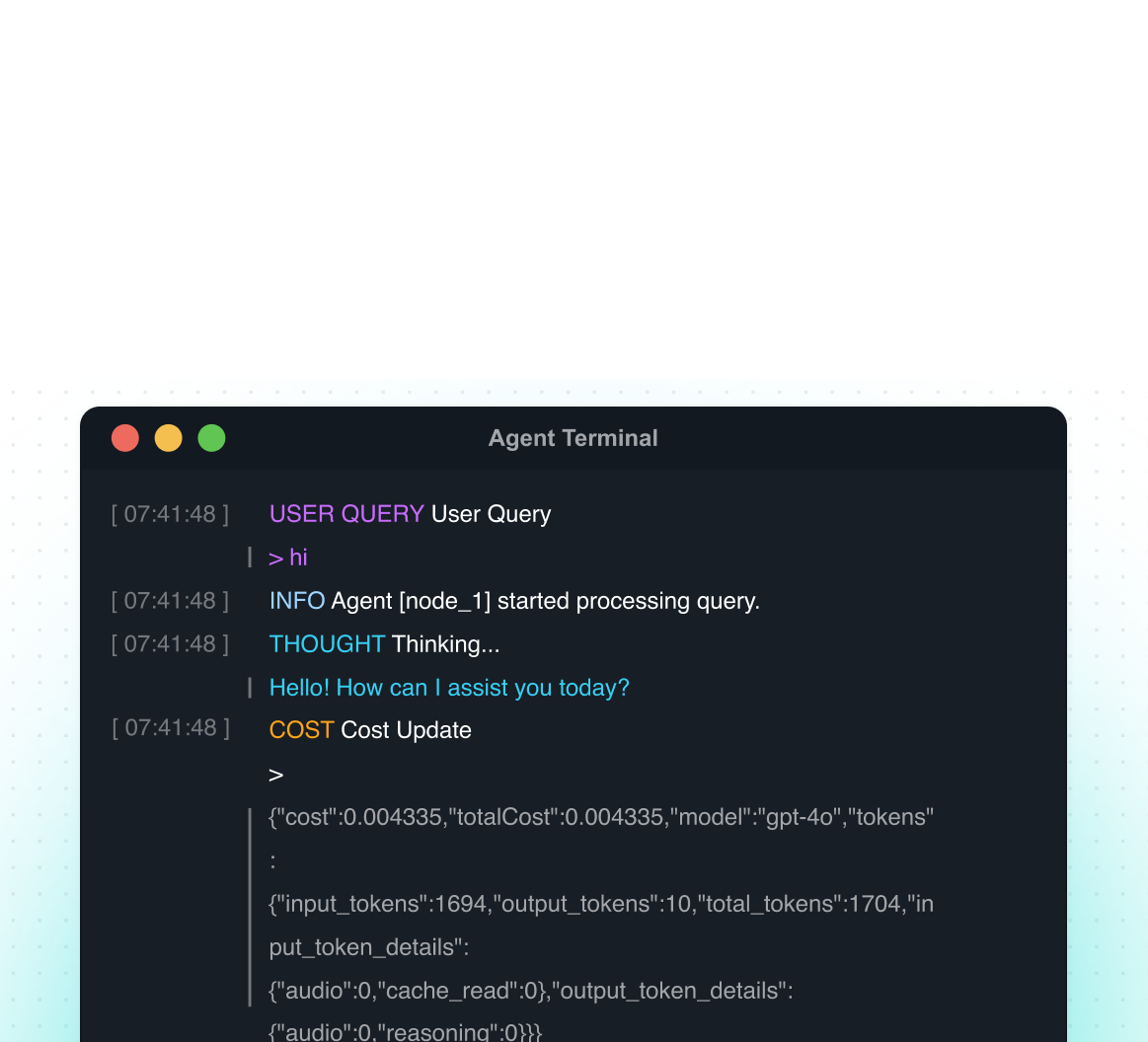
Immediate, in the flow, and actually fun. Know exactly what happened, when, and why — without digging through log files.
Every node input, output, and error captured automatically. Step through each execution like a debugger — filter by status, date, or workflow in seconds.
Freeze the output of any node so downstream steps always receive the same test data. No live API calls, no side effects — just fast, repeatable iteration.
Define a dedicated error workflow that triggers automatically on failure. Log to Slack, retry intelligently, or escalate to your on-call team without touching the happy path.
Set automatic retry policies per node — exponential back-off, fixed delay, or a custom number of attempts. Onetab AI handles the retries so your workflows self-heal.
Leave notes directly on the canvas next to any node. Document intent, flag known issues, or leave breadcrumbs for teammates — visible at a glance, not buried in a wiki.
Automate out of the gate with
thousands of templates
Create workflows in no time with templates for the most common and complex AI use cases. Our active developer community shares new workflows every week that you can download and adapt.
Reliable. Scalable. Yours.
Run Onetab AI exactly where you need it — our cloud, your cloud, or fully air-gapped on-premise. You decide.
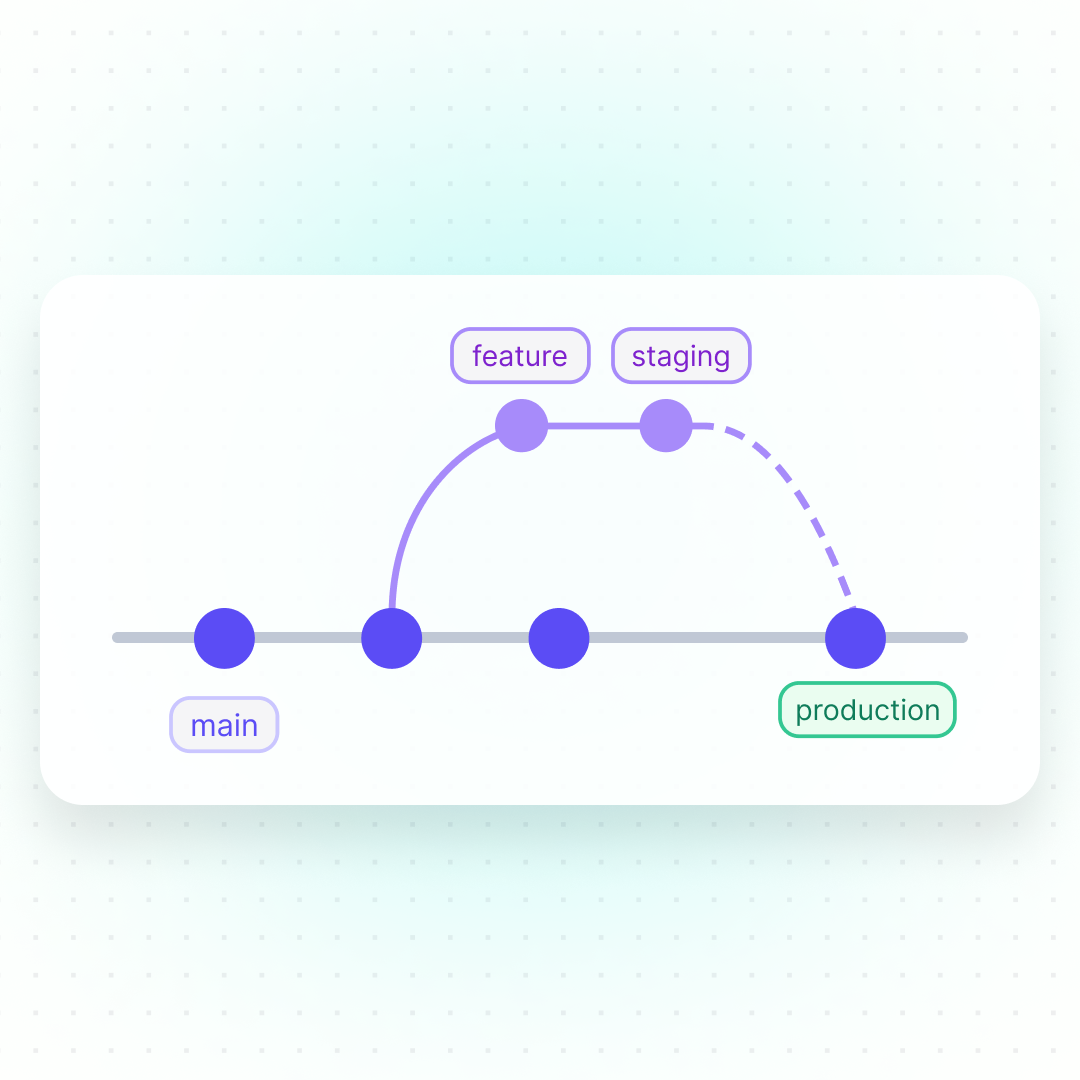
Push and pull workflows between dev, staging, and production using Git-based source control. No manual copying, no drift — just a clean, auditable change history your whole team can follow.
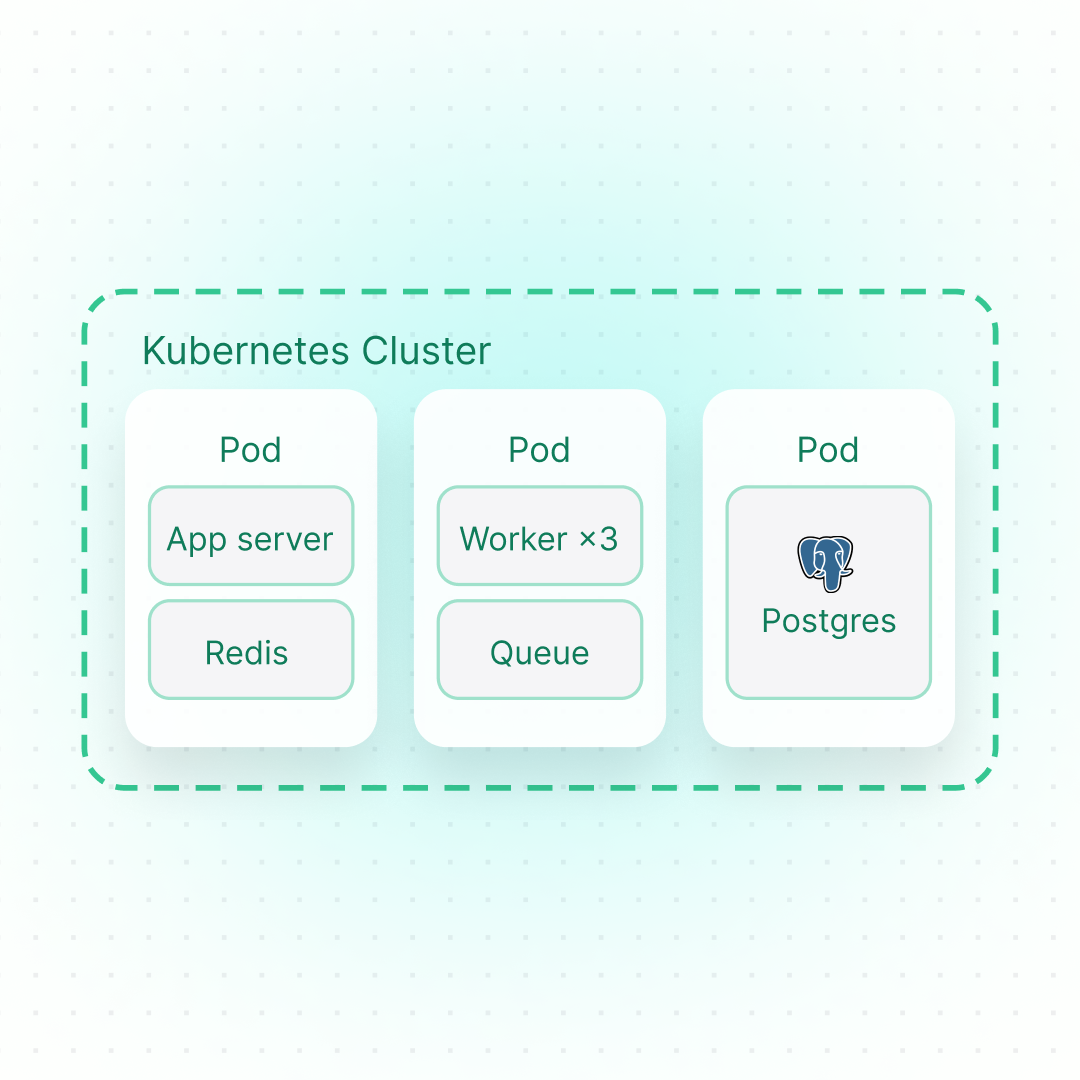
Onetab AI is built on a fair code license. Check it out on GitHub and pick your favorite deployment option. Go fully on-premise with Docker or K8s in minutes. Run it air-gapped on your private network, or use our robust cloud solution. The community version is free; an enterprise license unlocks advanced controls.
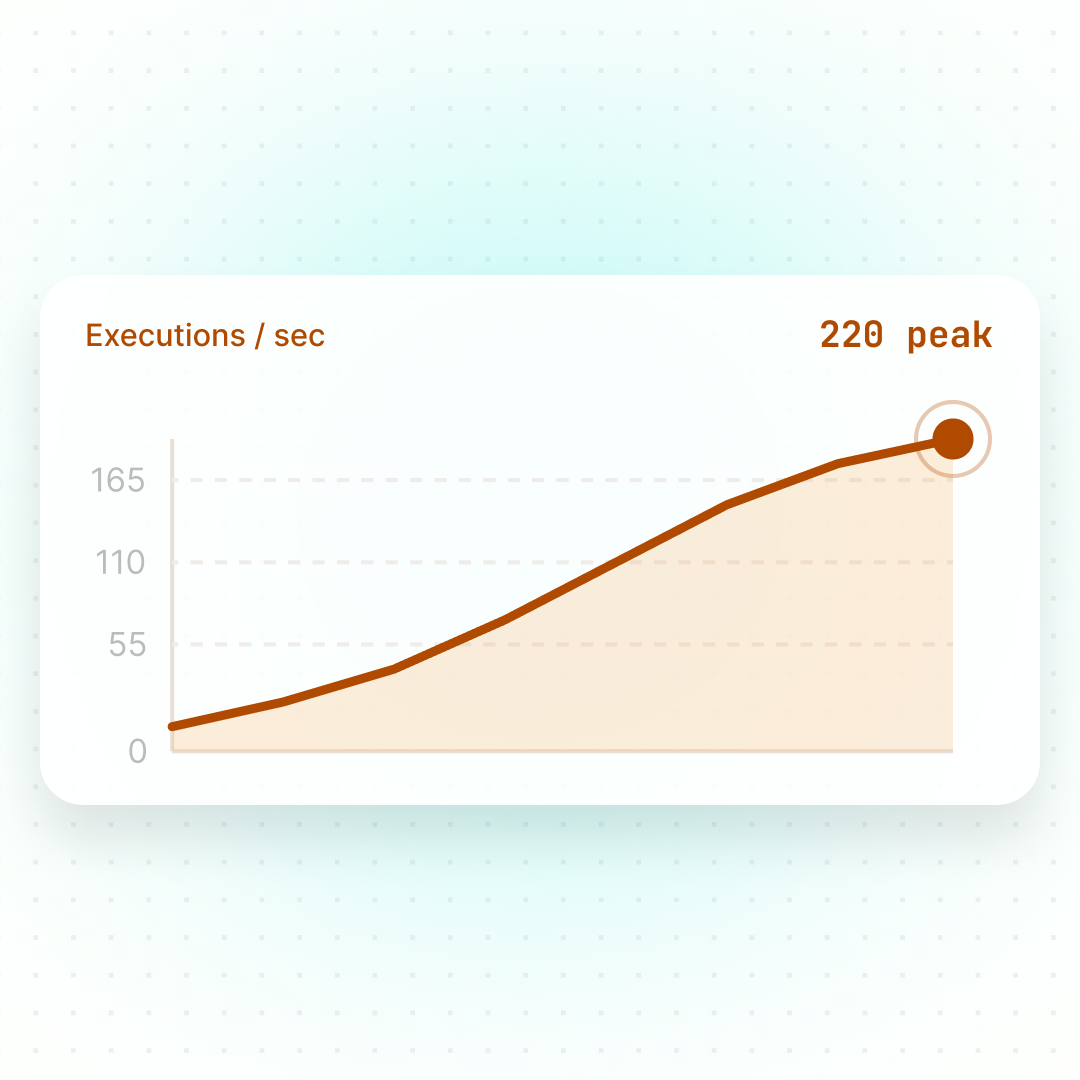
Set up different execution modes based on your needs. Queue mode runs multiple instances with workers doing the brunt of the work and one main instance receiving workflow information. Onetab AI handles up to 220 workflow executions per second on a single instance.

Your data's security is our commitment. Onetab AI is SOC 2 Type II audited with regular external penetration tests.
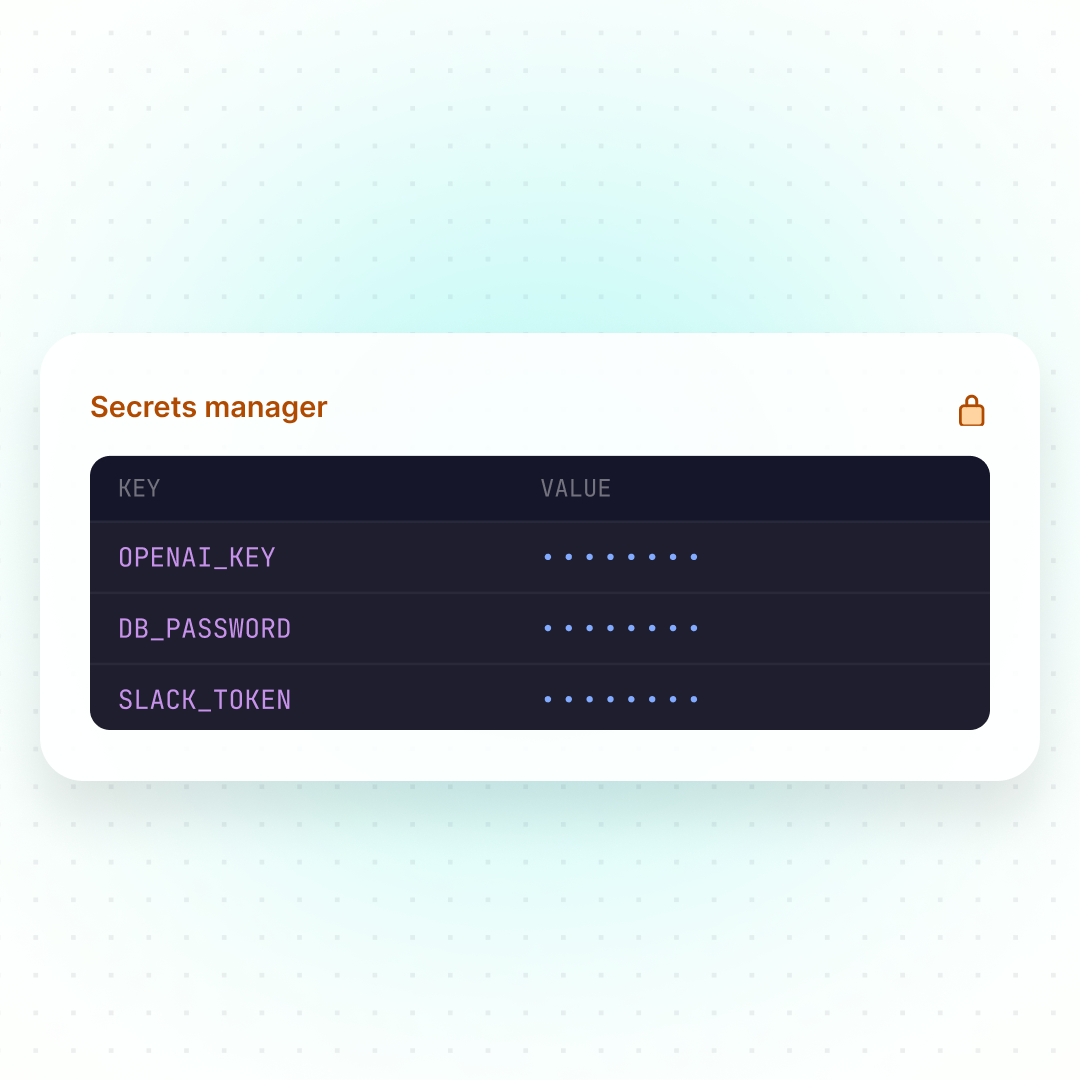
Pull credentials from your existing secrets manager at runtime — never stored in Onetab AI.
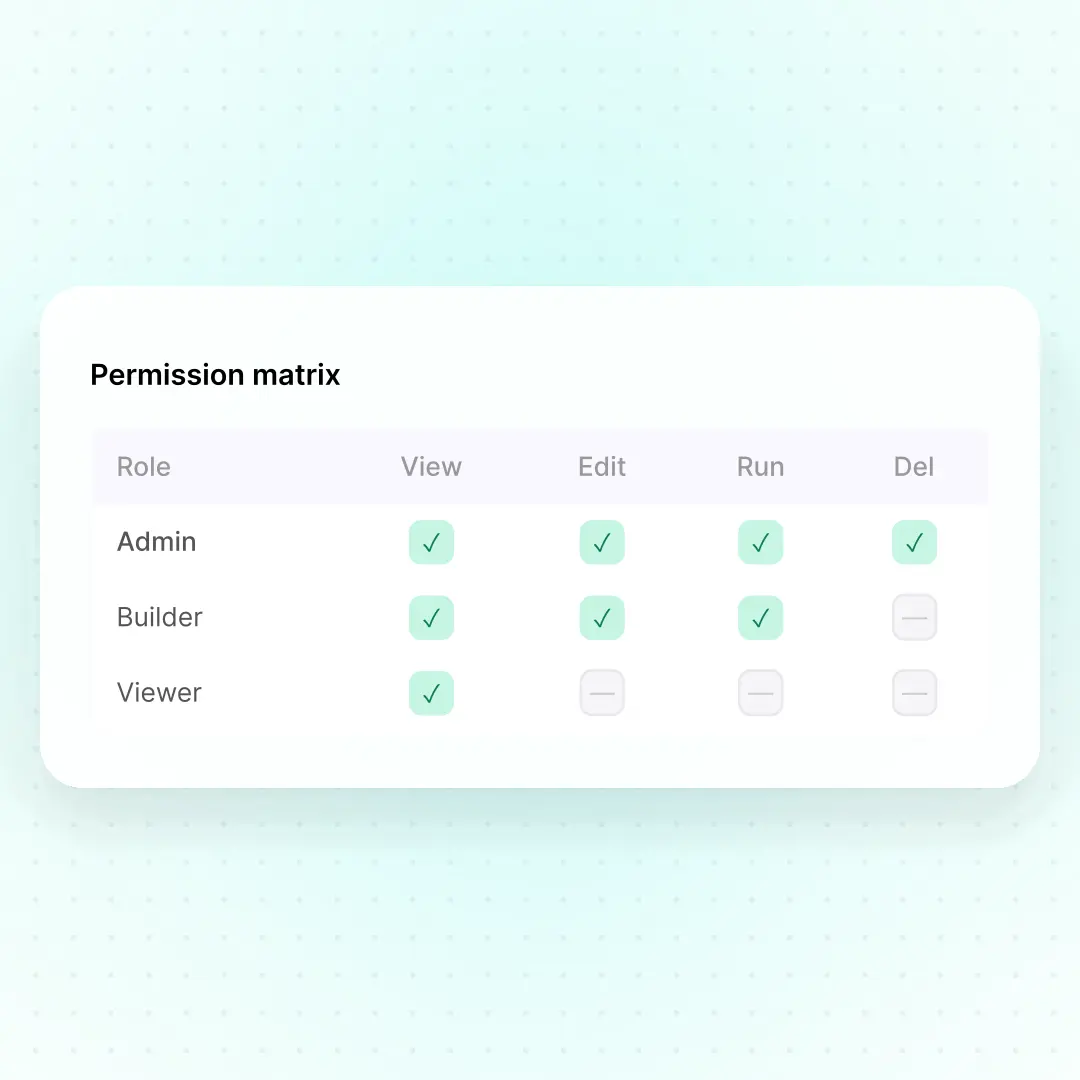
Group workflows and credentials into projects. Assign roles so each team member only sees what's relevant — tighten security without slowing collaboration.
Try Onetab AI with your team for free